The Best
Keyless Roblox
Executor
Zynova Executor is the best keyless Roblox executor with 98% UNC and 95% sUNC. The results are also verified via the Rubis app. It's a newly launched executor, and hundreds of players are already using Zynova for their scripting needs in Roblox. You can use Zynova on a Windows PC.
How Does Zynova
Executor Work?
Whether you are a pro Lua programmer or a beginner, you can use Zynova flawlessly because its user interface is very beginner-friendly. This executor also comes with all the required files, so you just have to unzip the main file, launch Zynova, and start using it. It's simple — just open and use.
Note: If Zynova won't open or shows a blank window, see the Quick Fixes page for the Microsoft Visual C++ and WebView2 Runtime dependencies it needs.
Download the ZIP
First, download the latest ZIP file of Zynova from our official website.
Unzip the File
Then unzip the downloaded ZIP file using WinRAR or any unzip tool.
Launch Zynova
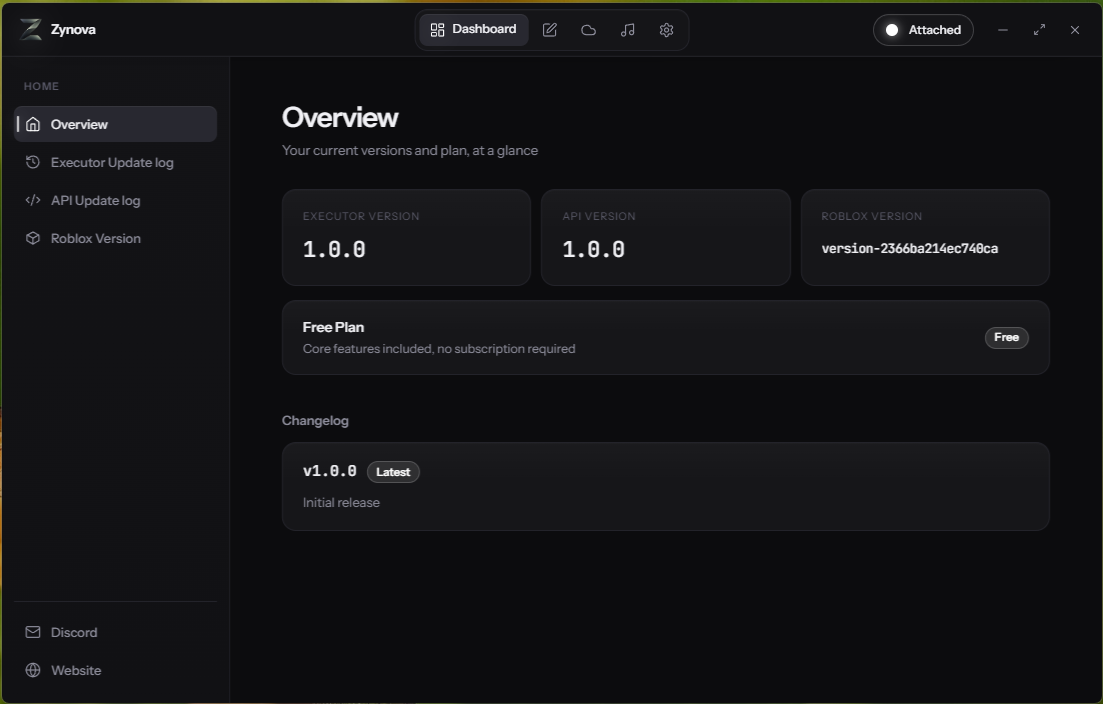
Now launch the Zynova.exe file from the extracted ZIP folder, and you will see the Zynova user interface.
Attach & Script
Next, attach Zynova to Roblox and start using it for your scripting needs.
Why You Should Use
Zynova Executor
Before choosing a Roblox executor, a player should always check its UNC percentage, VirusTotal score, and stability. Zynova is a top-tier executor in all of these parameters.
Script Hub
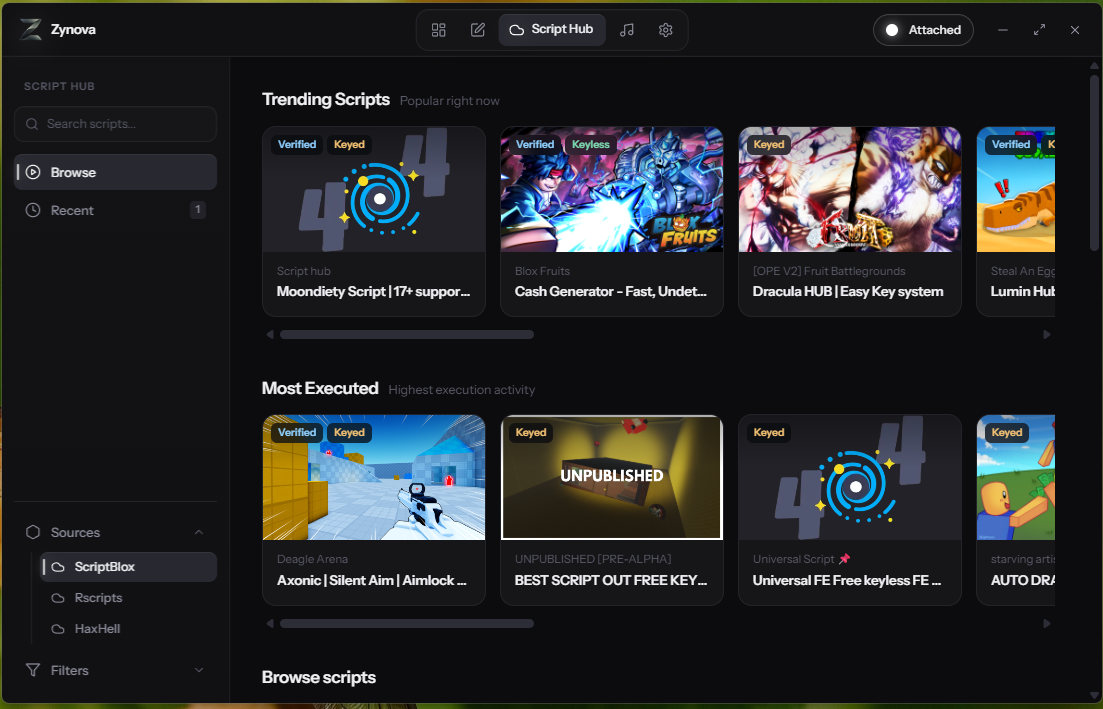
Most executors add the Script Hub only in paid plans because it includes the API of major script websites such as RScripts. This function helps users execute scripts within the executor without needing to visit a website. But in Zynova, you get this for free, so it's a very exciting function.
Lua-Based Editor
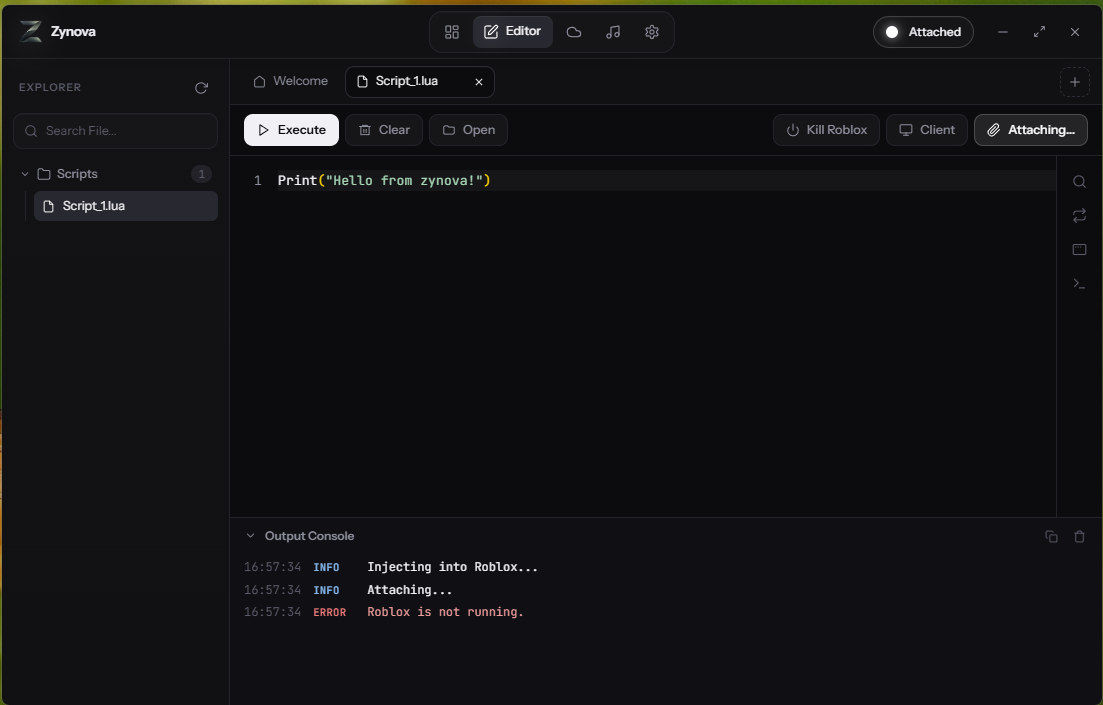
Now you can also edit or create Lua scripts within the Lua editor of the Zynova executor. Just write the Lua script and execute it live in the game to check how it works.
Keyless Executor
One of the best things about Zynova is that it's completely keyless. You don't need to complete surveys, etc., to run Zynova daily — just launch Zynova from the ZIP file and use it flawlessly.
High UNC Rate
Zynova has a 98% UNC test score with verified results, so it can run most of the scripts available on the internet. Unlike Xeno or Solara, which lack the ability to run most complex scripts, Zynova solves this issue and runs major, complex scripts easily.
Vulnerability Tested
It's not just an executor — it's also been tested with VirusTotal, and many major virus detectors have declared it undetected and safe to use. So you can use this executor with peace of mind.
Built for Stability
Stability of an executor is very important in code execution. Most of the free Roblox executors available on the internet don't have much stability — most of them will crash on a long code script. Zynova is the solution here, with a high stability ratio and the ability to execute complex script code flawlessly.
It's also the safest option because test results are present on top major websites, and they have declared Zynova an undetected executor.
See Zynova in Action
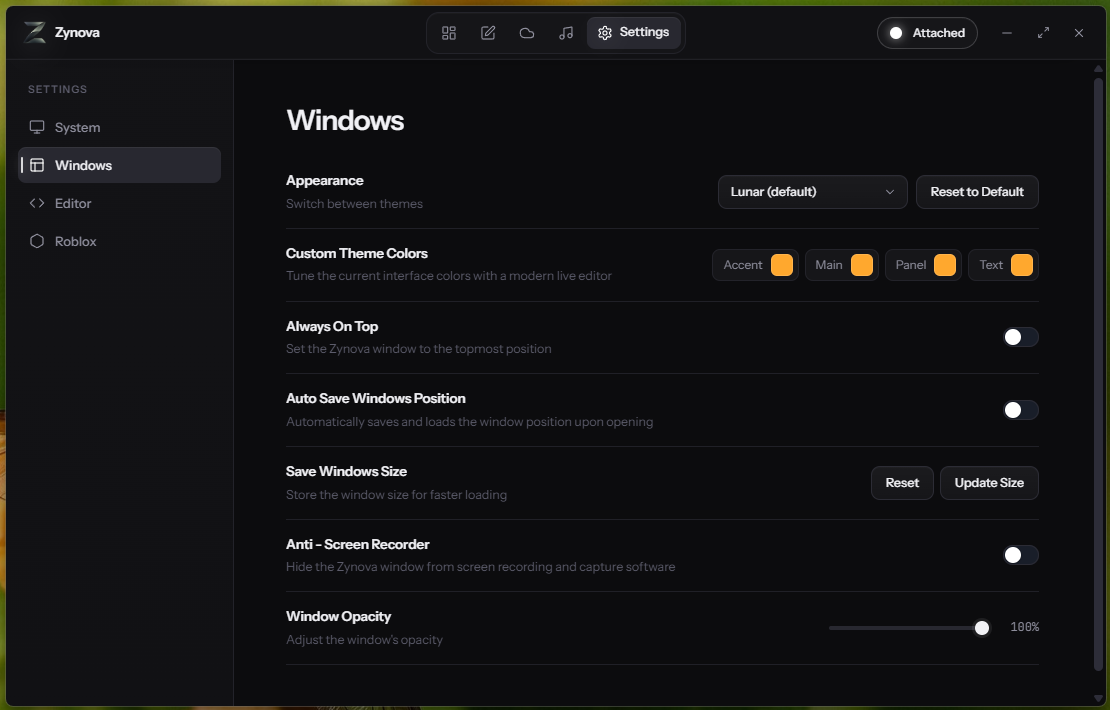
The screenshots below show how the software's user interface and other functions appear.
PC Requirements
Zynova is very lightweight software, and you don't need a very high-end PC to run it. It will run smoothly even on very low-end PCs, which is why most Roblox players can use Zynova easily. Besides this, if your PC can run Roblox, it will be very easy for your PC to run Zynova as well.
| Component | Minimum Requirement |
|---|---|
| Operating System | Windows 10, Windows 11 |
| Processor | 1.5 GHz or higher |
| RAM | 2 GB minimum |
| Hard Drive | 150 MB minimum space |
| Graphics | DirectX 9 compatible |
Benchmark
Test Results
Below are the tests taken, with the relevant links so you can verify these results manually and authentically.
Test results are re-run periodically since detection status can shift after Roblox or Windows updates — always check the linked live results for the current score.
Frequently Asked Questions
Everything you need to know about Zynova Executor.